

Artifactory (RubyGems)
3 Easy Steps
Teams using JFrog Artifactory can manage access to NES packages through 3 easy steps:
- Create a Remote Repository for our private RubyGems registry.
- Configure (or create) a Virtual Repository to leverage the newly created Remote Repository.
- Verify your developers are able to access our package through your Virtual Repository.
Important
The Virtual Repository is mandatory as a misconfiguration will lead to Artifactory seeking all RubyGems packages from us. Failure to configure this correctly may result in suspension of your access token.
Setup Instructions
Create a Remote Repository
- Navigate to the Administration tab (top navbar next to Application)
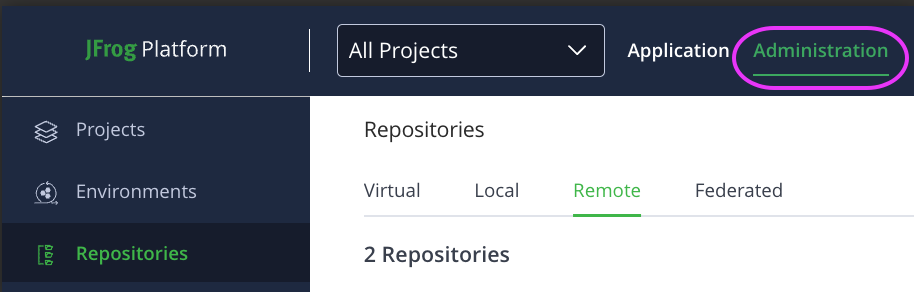
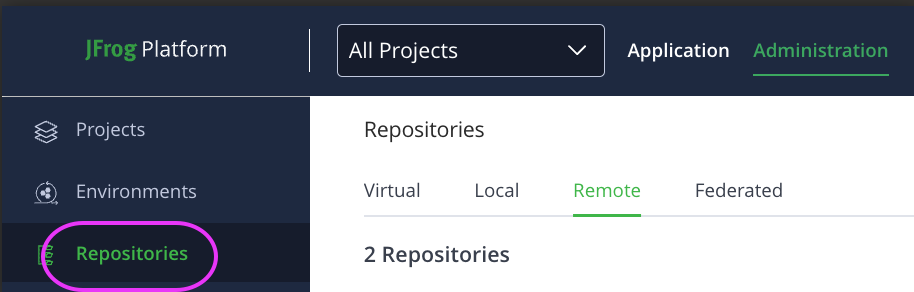
- Select Repositories (left side navbar)
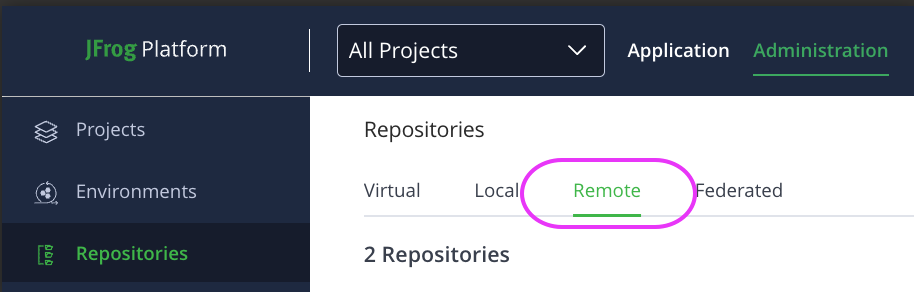
- Navigate to the Remote subtab.
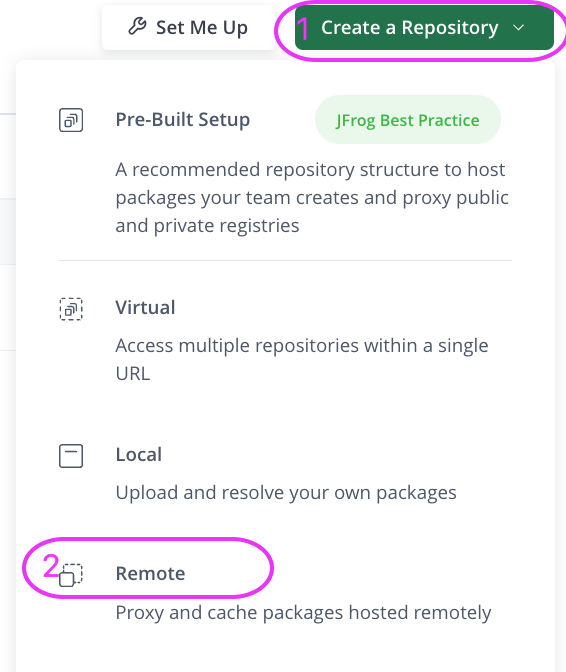
- Select Create Repository > Remote, and then select Gems as the type.
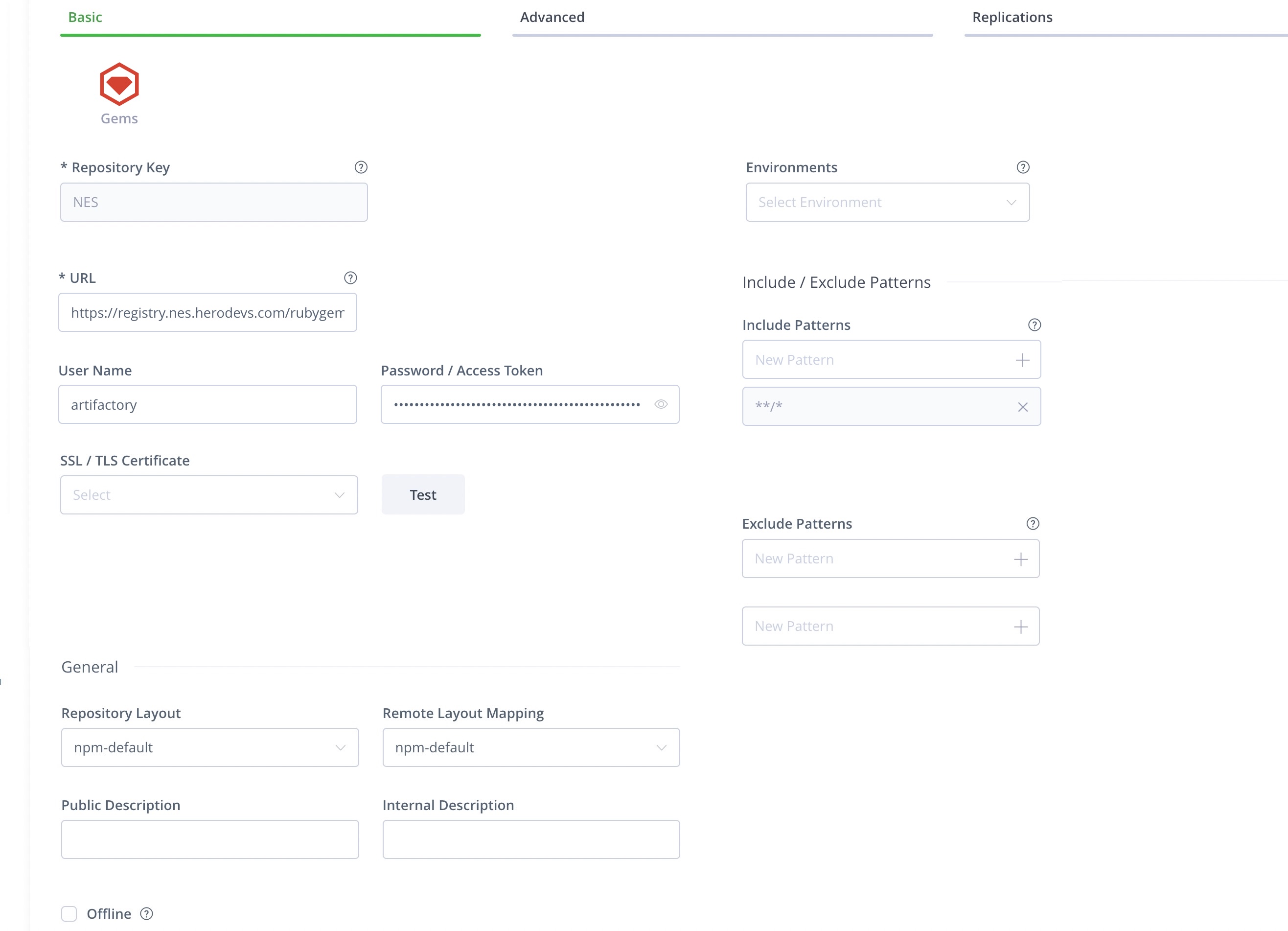
- Configure the following parameters on the Basic tab:
Parameter Value Repository Key nes (or whatever alias your team prefers) URL https://registry.nes.herodevs.com/rubygems Username artifactory Password <NES_ACCESS_TOKEN>Include Patterns leave the default glob **/*patternRemote Mapping Layout simple-default - Configure the following on the Advanced tab:

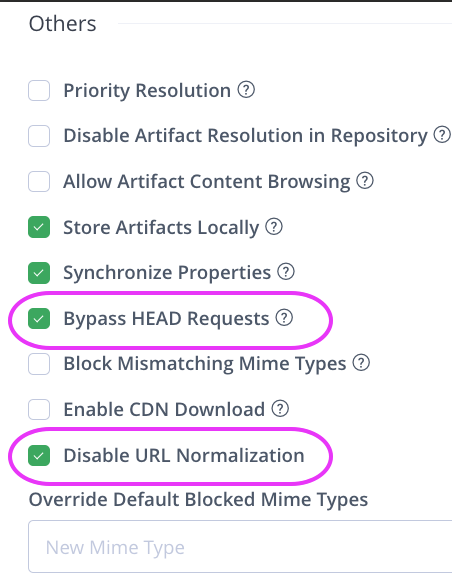
- Ensure Bypass HEAD Requests is checked
- Ensure Disable URL Normalization is checked
The final results should look similar to the following:
Basic
Advanced
Note
Our registry DOES NOT implement every endpoint in the public RubyGems registry. As such, some Artifactory features may not function as expected, such as the "Test" button or various search features.
Verify Access
Lastly, with your Virtual Repository keyed as gems-default and assuming that you have a valid Artifactory username / password, configure your Gemfile accordingly:
source 'https://<USERNAME>:<PASSWORD>@<DOMAIN>.jfrog.io/artifactory/api/gems/<REPO_NAME>/' do
  gem 'rails', '2.3.18.59'
  gem 'actionmailer',     :require => false
  gem 'actionpack',       :require => false
  gem 'activerecord',     :require => false
  gem 'activeresource',   :require => false
  gem 'activesupport',    :require => false
  gem 'railties',         :require => false
  gem 'rack',             :require => false
end
Once the above steps are completed Artifactory will:
- Attempt to download packages inside the
sourcblock will pull from our private registry.
The Final Check
- Open a project containing the
Gemfile - Execute an
bundle installcommand.
You should see successful output from the bundle install command and a generated Gemfile.lock with the right information.