

Artifactory (NuGet)
3 Easy Steps
Teams using JFrog Artifactory can manage access to NES packages through 3 easy steps:
- Create a Remote Repository for our private NuGet registry.
- Verify your developers are able to access our package through your Virtual Repository.
Setup Instructions
Create a Remote Repository
- Navigate to the Administration tab (top navbar next to Application)
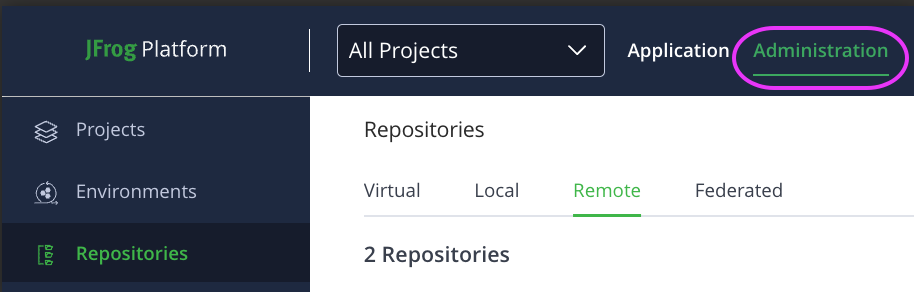
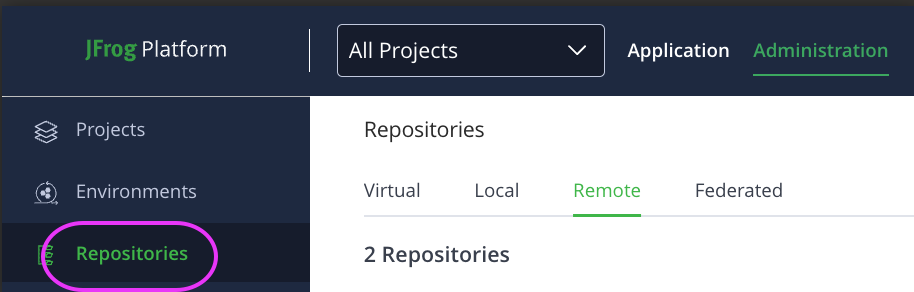
- Select Repositories (left side navbar)
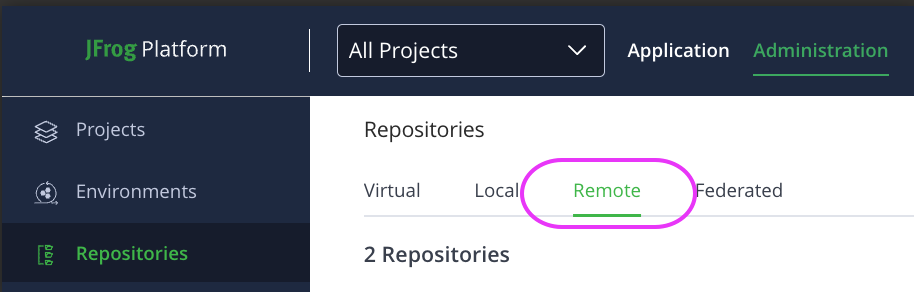
- Navigate to the Remote subtab.
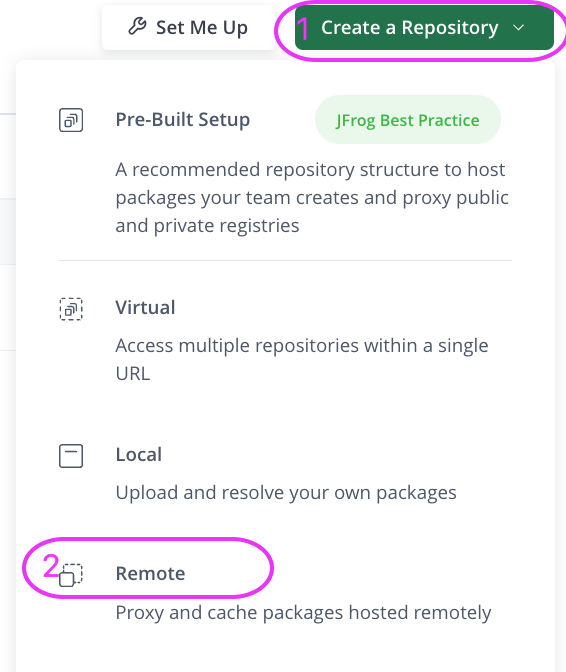
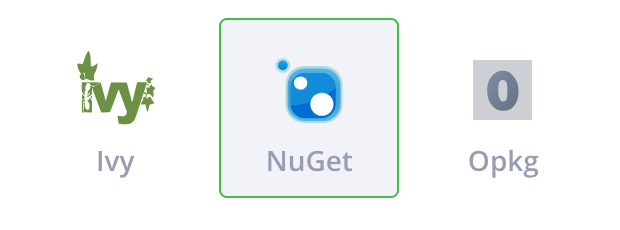
- Select Create Repository > Remote, and then select NuGet as the type.
- Configure the following parameters on the Basic tab:
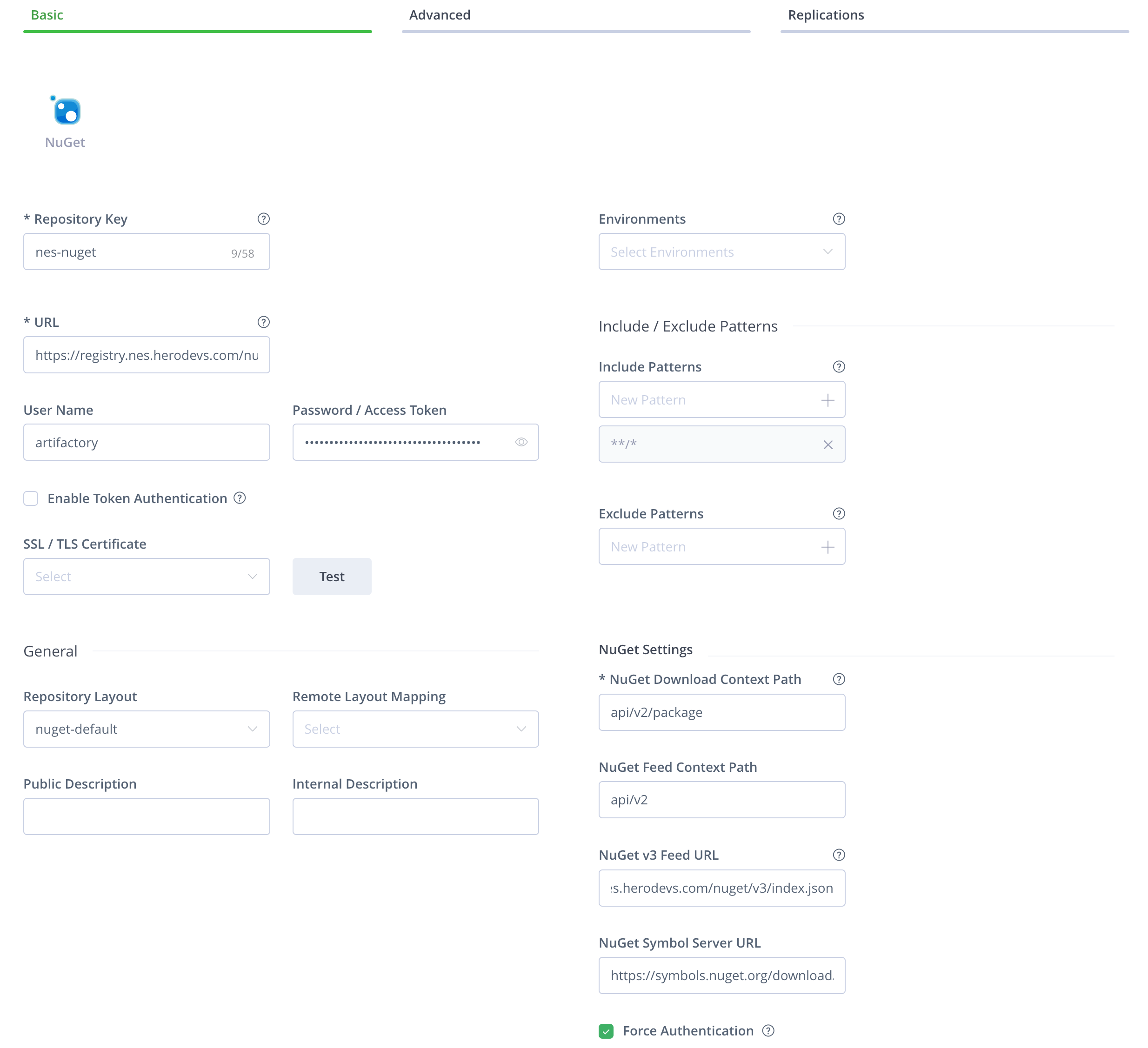
Parameter Value Repository Key nes (or whatever alias your team prefers) URL https://registry.nes.herodevs.com/nuget/v3/index.json Username artifactory Password <NES_ACCESS_TOKEN>NuGet v3 Feed Url https://registry.nes.herodevs.com/nuget/v3/index.json Force Authentication true - Configure the following on the Advanced tab:

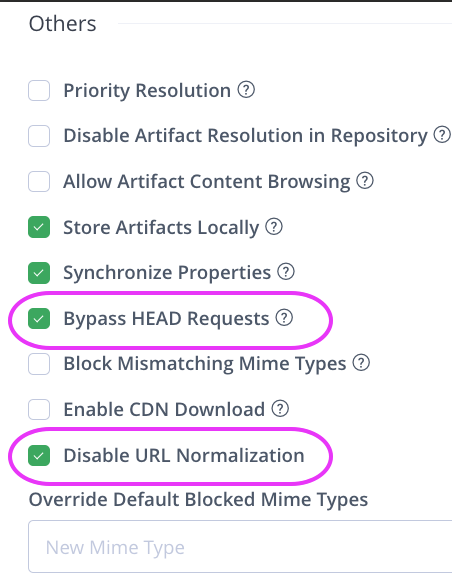
- Ensure Bypass HEAD Requests is checked
- Ensure Disable URL Normalization is checked
The final results should look similar to the following:
Basic
Advanced
Verify Access
Lastly, with your Virtual Repository keyed as nuget-default and assuming that you have a valid Artifactory username / password, configure your NuGet Package Manager accordingly:
- Open a project in visual studio
- Go to Tools > NuGet Package Manager > NuGet Manager Settings
- Click on the
+button on the top right - Fill in the following
- name: Whatever name your teams wants
- Source:
https://<DOMAIN>.jfrog.io/artifactory/api/nuget/<ARTIFACTORY_REPO_NAME>/
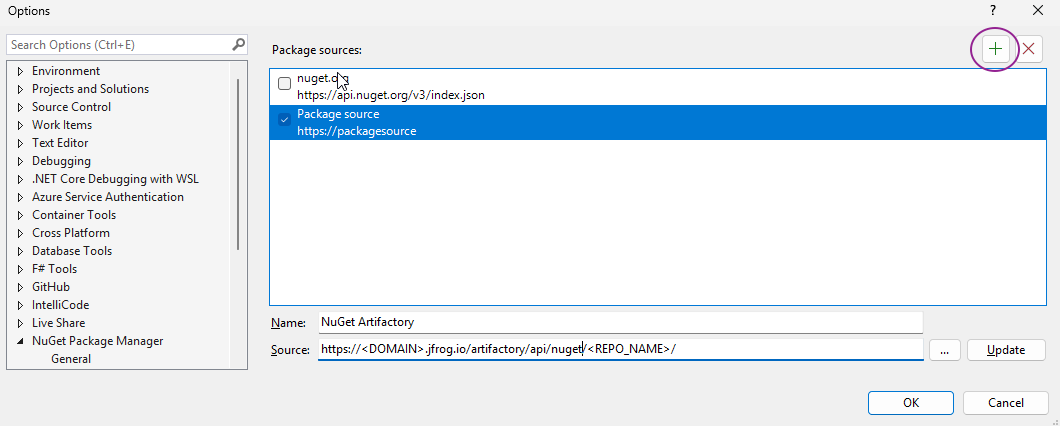
Once added, you should see a new package source in the NuGet packet manager.